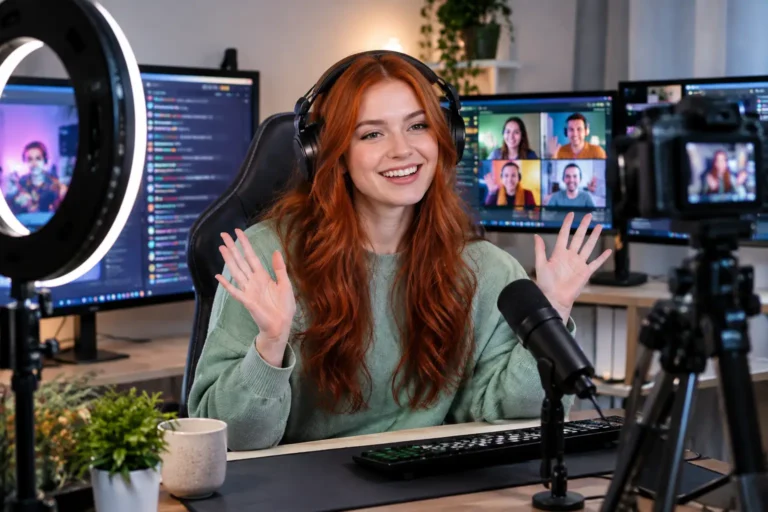
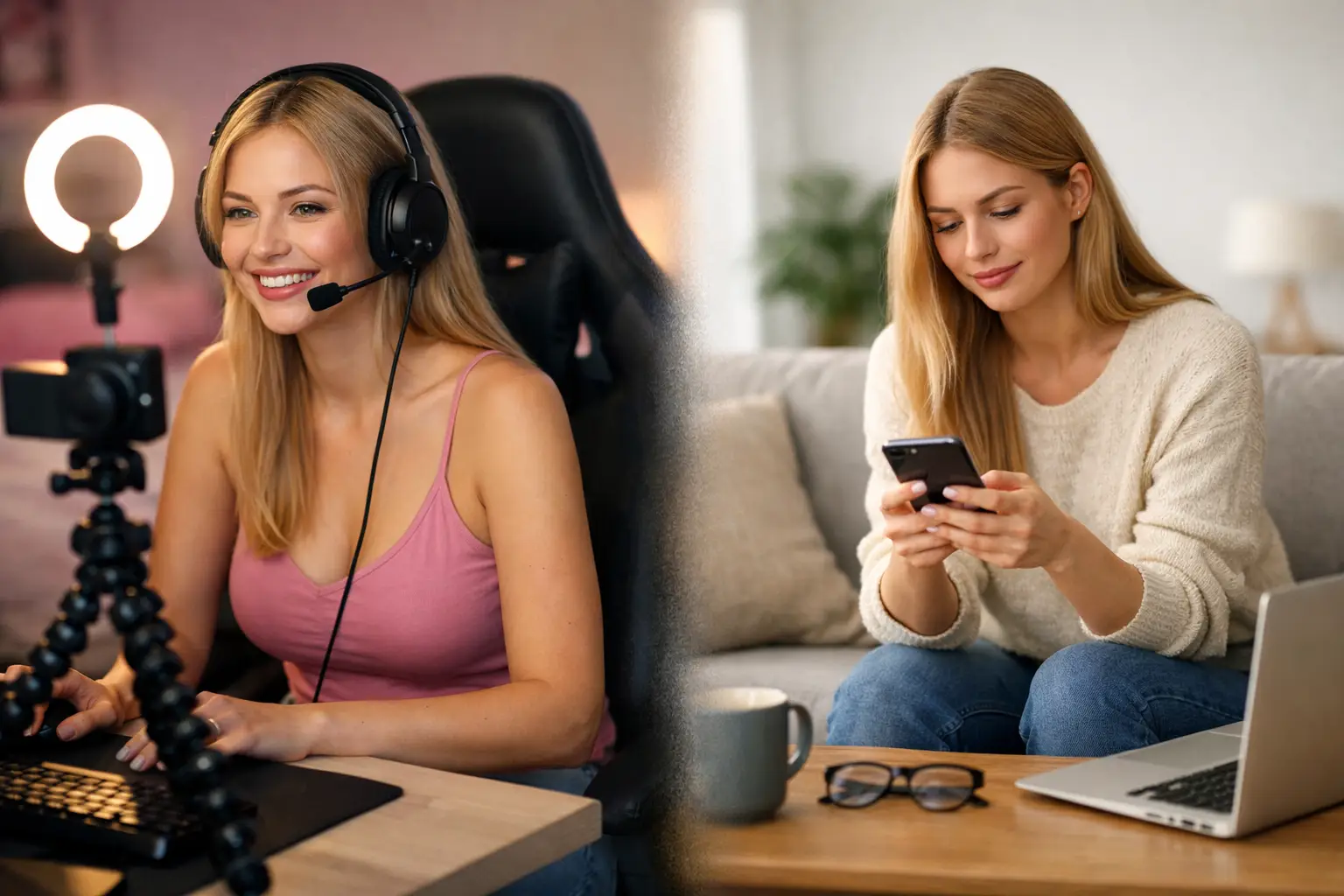
The first time a viewer asks for your real name, social media or where you live, your answer should already be decided. Creator privacy is not about being secretive or difficult. It is about protecting the freedom that makes cam work attractive in the first place: earning from home, choosing your hours and staying in control of what you share.
You can be warm, engaging and memorable on camera without handing over the details that belong to your offline life. The strongest creators build clear boundaries before they go live, not after a conversation has become uncomfortable.
Why creator privacy protects your earning power
When your personal and creator identities blur together, it becomes harder to switch off after work. It can also expose you to unwanted contact, judgement from people outside the industry, or viewers who mistake access to your content for access to your real life.
A private, well-managed creator identity gives you room to work confidently. You decide what your audience knows, how they contact you and where your work ends. That control is valuable whether you stream occasionally for extra income or are building a serious home-based business.
Privacy does involve trade-offs. A real-name account might feel more natural when you are new, and sharing personal stories can create fast rapport. But there is a difference between being authentic and being identifiable. Your personality, humour, style and conversation are more than enough to create connection.
Build a separate creator identity from day one
Start by choosing a stage name you are comfortable saying aloud. Make it memorable, easy to spell and separate from usernames you have used for personal accounts. Before committing, search the name to check it does not lead directly back to your real profile, workplace or other identifying information.
Use that name consistently across your cam profile, payment-facing creator tools where permitted, email address and promotional accounts. Consistency helps viewers remember you while keeping your personal identity out of the picture.
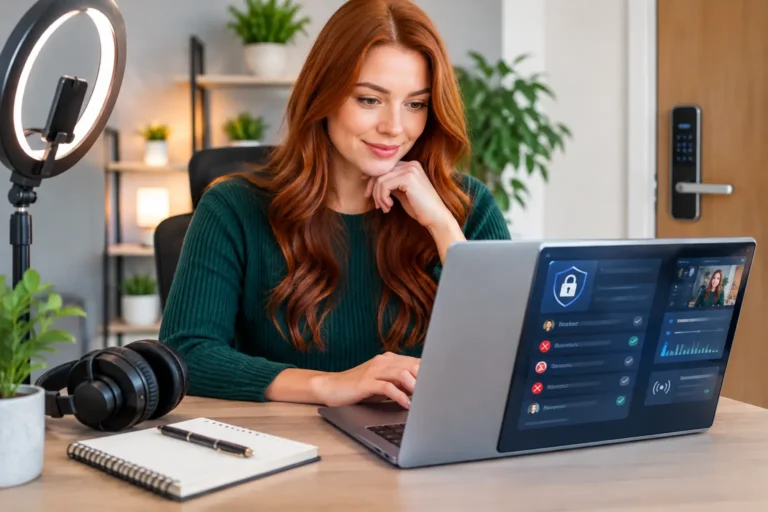
Create a dedicated email account for your work. Do not connect it to a personal inbox that displays your full name, photo or contact list. Use a strong, unique password and turn on two-factor authentication. A password manager can make this much easier, especially when you have separate accounts for streaming, banking, email and social platforms.
Be careful with profile photos outside your cam platform too. A photo used on your personal Facebook, LinkedIn or old school account can make reverse-image searches more effective. Keeping your creator images distinct is a simple extra layer of separation.
Keep contact details off camera
Never share your mobile phone number, home address, postcode, personal email or regular workplace. This sounds obvious, but information often slips out casually: mentioning the name of a local café, showing a parcel label, or talking about a nearby landmark.
You do not need to invent complicated stories. A confident, simple boundary works best: “I keep my offline details private, but I’m happy to chat here.” Repeat it without apologising. Most respectful viewers will accept that immediately.
Protect your space before you start streaming
Your background can reveal more than you expect. Check for post, certificates, family photos, school badges, house numbers visible through windows and recognisable views outside. If you live with others, make sure they know your streaming schedule and understand that they should not walk into shot or call out personal details.
A plain wall, curtain, room divider or carefully styled corner can look professional without revealing your home. Good lighting, a clean camera angle and a space that feels like yours will do more for your presentation than an expensive room makeover.
Also think about sound. Close windows if local traffic, neighbours or delivery drivers could reveal where you are. Turn off mobile phone notifications and computer pop-ups before going live. A quick pre-stream check prevents the kind of accidental reveal that is difficult to take back.
Location settings deserve the same attention. Disable location tagging on creator social accounts and check photos before posting them. Some images can contain hidden location data, so take a moment to review your privacy settings and avoid posting in real time from places you visit regularly.
Keep money and personal records organised
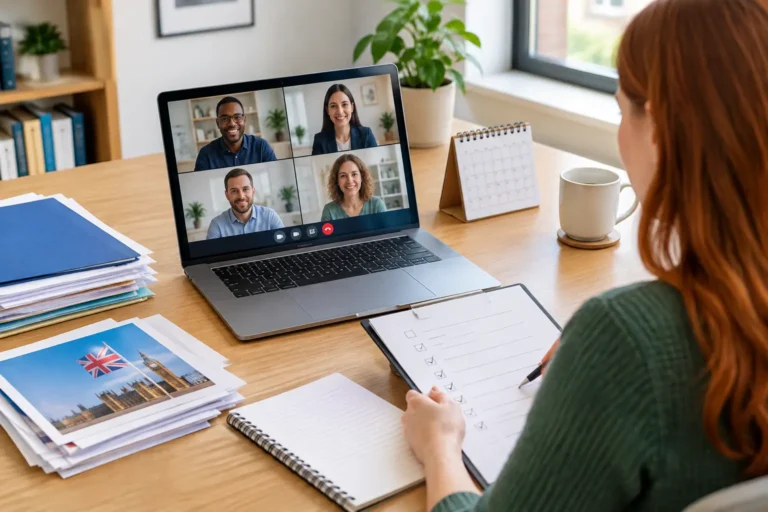
Being private does not mean being careless with the business side of your income. Treat your creator earnings properly. Keep records of payments, platform statements, expenses and relevant tax information in a secure folder. If you can, use a separate bank account for work income so your finances are easier to track.
You may need to provide your legal identity and payment details to a legitimate platform or payment provider. That is normal for verification and tax purposes. The key distinction is that verified business information should stay within trusted systems, not be shared with viewers or posted publicly.
Before joining any opportunity, read how payments work, what information is visible on your profile and whether you can set your own boundaries around content and availability. A professional platform should be clear about verification, payments and support. If someone pressures you to send personal documents through informal messages, pay a fee before you can earn, or share banking details outside a secure process, walk away.
Boundaries make your room easier to manage
A clear room style helps protect privacy because it tells viewers what kind of interaction they can expect. You might be playful, chatty, glamorous, flirty or focused on goals. Whatever your style, decide in advance which topics are off limits.
For many creators, that includes real names, family, exact location, other jobs, relationship details and plans for the day. You can still keep conversation flowing by talking about music, films, hobbies, beauty, fitness, food, funny stories or your goals as a creator. You are not required to answer every question just because someone asks.
If a viewer pushes, do not get dragged into a long argument. Restate your rule once, redirect the conversation, then mute or block if needed. Your room is your workspace. Protecting its atmosphere protects your time, confidence and income potential.
It also helps to set boundaries around availability. Avoid promising to be online at a specific time every day if that information could make your routine predictable. You can build regular hours without publishing your entire schedule. Flexibility is one of the biggest benefits of cam work, so use it.
Make privacy part of your weekly routine
Creator privacy is not a one-time set-up job. Accounts change, apps update and habits get looser when you are busy. A short weekly check keeps small issues from becoming bigger ones.
Review new followers and messages on your creator accounts. Check that no personal account has been accidentally linked, and look over recent photos and clips for background details. Update passwords if you receive suspicious login alerts, and remove apps or services you no longer use.
It is also worth searching your stage name occasionally to see what appears publicly. This is not about obsessing over every mention. It is about knowing your digital footprint and acting early if an old profile, repost or piece of information needs attention.
If you are a beginner, do not let privacy worries stop you from exploring a legitimate cam opportunity. Let them make you more prepared. At Strictly Models, the goal is to help aspiring models approach webcam work with confidence, structure and control – not pressure to share more than feels right.
Your identity is yours. Set up your creator name, secure your accounts, prepare your space and decide your boundaries before your first stream. Then you can put your energy where it belongs: showing up confidently, building your audience and earning on your terms.
About the Author

Become a Webcam Model
From Home
Flexible hours, regular payouts and support from an established UK webcam modelling agency.
18+ only · Valid ID required · No commitment to apply
Form not loading? Open secure application