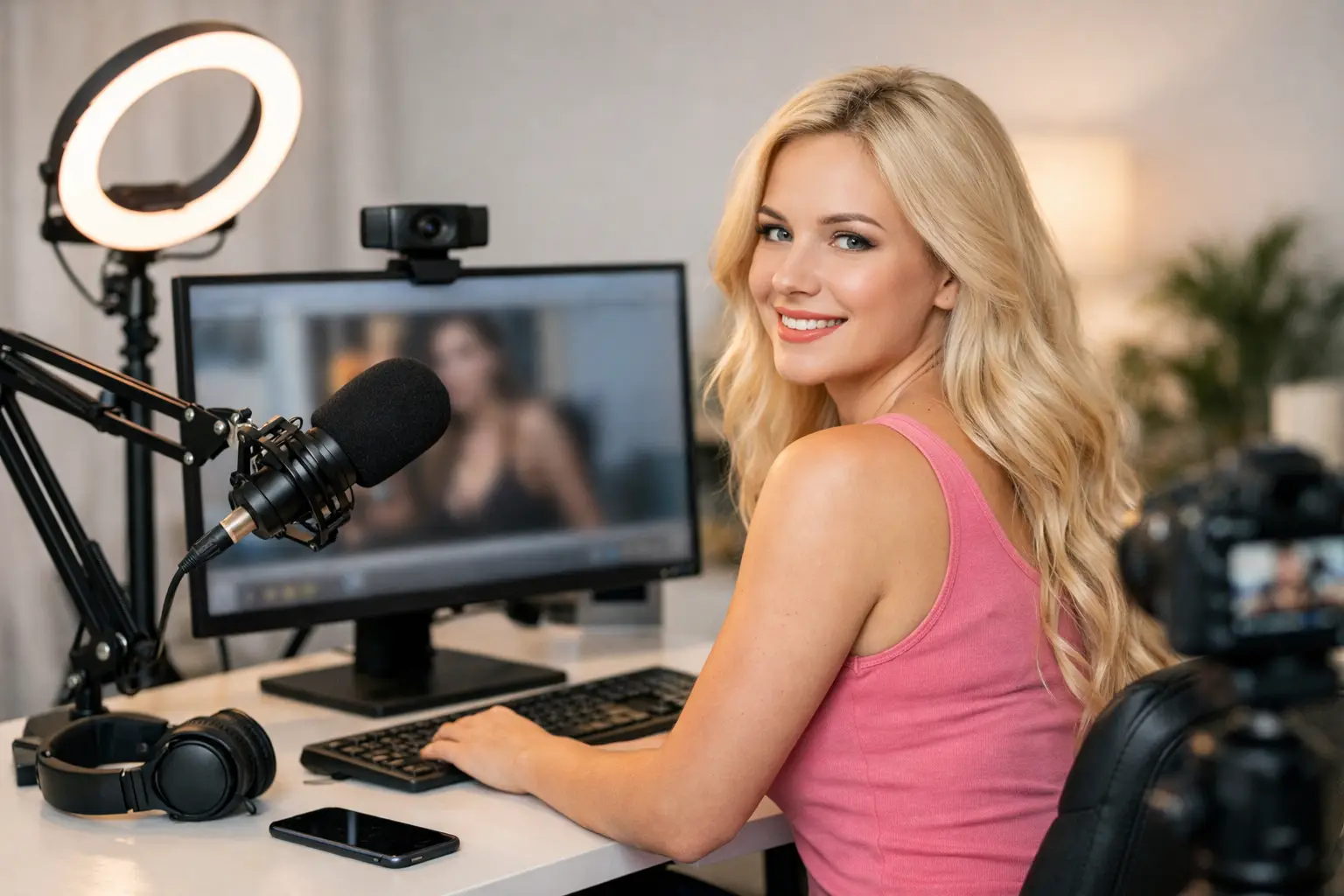
A grainy picture, harsh ceiling light and lagging connection can make a confident first show feel far harder than it needs to be. The good news is that you do not need a studio full of expensive kit to begin. This webcam model equipment guide focuses on the tools that make the biggest difference to your image, comfort and earning potential from day one.
Your setup should support the way you want to work: privately, confidently and on your terms. Start with a reliable foundation, then improve the details as your income grows. A polished room and clear video can help members stay engaged, but your personality, boundaries and consistency remain the real value.
Start With the Webcam Model Equipment Basics
For most beginners, a capable laptop or desktop, a clear camera, decent lighting, stable broadband and a private space are enough to get started. Do not delay your plans while waiting for a perfect room or the most expensive camera on the market. A clean, well-lit setup with dependable internet will outperform a costly setup that is awkward to use or constantly drops out.
Before spending money, check the platform requirements for the device and browser you intend to use. Older laptops can struggle with high-definition video, multiple browser tabs and streaming software at the same time. If your machine overheats, freezes or has a weak built-in camera, upgrade the specific problem rather than buying everything at once.
A sensible starter kit includes:
- A laptop or desktop with enough processing power for HD streaming
- An external USB webcam or a good built-in camera
- A ring light or soft LED light with adjustable brightness
- Headphones or an external microphone for clearer sound
- Reliable home broadband, ideally with an Ethernet connection available
Choose a Camera That Flatters, Not Frustrates
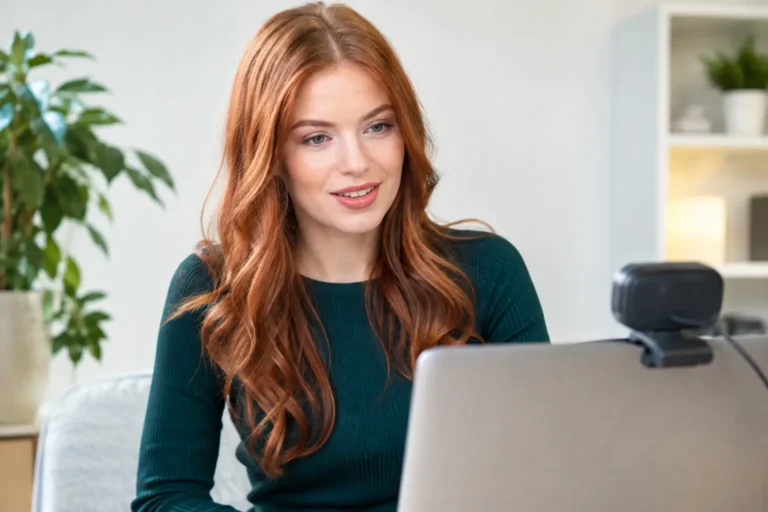
Your camera is where viewers see your confidence, expression and effort. A 1080p webcam is the sweet spot for many new webcam models. It gives a clear, professional-looking image without demanding as much bandwidth or computer power as 4K streaming.
Look for a webcam with reliable autofocus, good low-light performance and a wide enough field of view for the type of content you want to create. A narrower view works well for close-up conversation and a more intimate feel. A wider view gives you room to move, pose or show more of your setting. Neither is automatically better – it depends on your style and how much of your room you are comfortable showing.
Mount the camera at eye level whenever possible. Looking down into a laptop camera can be unflattering and makes your stream feel less personal. A simple tripod, monitor mount or stack of sturdy books can lift the camera into a better position. Check your framing before every session and remove anything from view that reveals personal information, such as post, family photos or identifying landmarks.
Your mobile phone may be useful for promotional content or short clips, but it is not always the easiest main streaming camera. It can overheat, drain quickly and interrupt your workflow with calls or notifications. If you use one, activate Do Not Disturb, secure it on a stand and keep it connected to power.
Lighting Is Your Fastest Visual Upgrade
Great lighting makes a mid-range webcam look far better. Poor lighting can make an excellent camera look soft, shadowy or overly bright. Start by facing a window during daylight hours, but avoid direct sunshine that creates hard shadows and changes quickly as the day moves on.
For consistent streams, an adjustable LED ring light is a practical choice. Place it in front of you, slightly above eye level, and start on a low-to-medium setting. Light that is too bright can wash out your skin tone and make the background look flat. A softer light placed at an angle can create more depth and a warmer atmosphere.
Pay attention to colour temperature too. Warm lighting can feel cosy, while cooler lighting often looks cleaner and brighter on camera. Mixing a yellow bedside lamp with a very blue ring light can create odd skin tones, so keep the room lighting as consistent as you can. Test it on video rather than trusting how it looks in the mirror.
Do Not Let Audio Cost You Attention
Members will often forgive a small video issue, but crackling audio, echo or background noise can quickly break the mood. Your laptop microphone may be enough in a quiet room, especially when you are starting out. If it picks up traffic, housemates or a fan, a basic USB microphone is a worthwhile next purchase.
Headphones can reduce echo and help you hear notifications or members clearly. Choose a pair you can wear comfortably for longer sessions. If you prefer not to wear visible headphones on camera, test your speaker volume carefully so your microphone does not feed sound back into the stream.
Close doors and windows where possible, silence notifications and let people in your home know when you need uninterrupted time. You are building a professional environment, even when you are working from your bedroom or a small flat.
Broadband, Backup Plans and Stream Stability
A beautiful setup means very little if your stream freezes every few minutes. Check both your download and upload speed, because upload speed is what carries your video to viewers. Wired Ethernet is usually more stable than Wi-Fi, particularly in busy households where other people are gaming, watching television or downloading files.
If Ethernet is not practical, position yourself close to the router and avoid streaming through a weak signal in another room. Restart your router before an important session if it has been unreliable, and close unnecessary applications that may use bandwidth in the background. Cloud backups, video calls and automatic updates can all compete with your stream.
Have a simple backup plan. Keep your mobile phone charged with mobile data available in case of a broadband outage, and know how you will communicate if you need to end a session unexpectedly. You do not need to panic over the occasional technical issue. Staying calm and professional matters more than pretending technology never goes wrong.
Build a Background That Protects Your Privacy
Your background is part of your brand, but it does not need to be elaborate. A tidy bed, neutral wall, attractive bedding, soft lighting or a simple room divider can look intentional without exposing your home. Think of your camera frame as a small set, not a full-room tour.
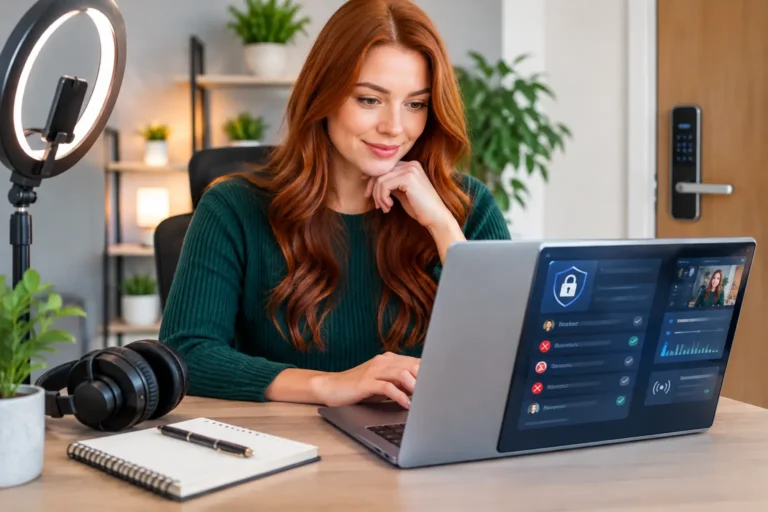
Prioritise privacy from the start. Do not show street views, paperwork, prescription labels, work uniforms, school items or anything that could reveal where you live. Use a separate creator email address, keep personal devices locked and switch off pop-up notifications before going live. A webcam cover is useful whenever you are not using your camera.
You may also want a lockable storage box for outfits, accessories and equipment if you share your space. Feeling secure in your environment makes it easier to relax on camera, set clear boundaries and stay in control.
Spend Where It Changes the Viewer Experience
If money is tight, prioritise lighting and internet stability before chasing premium accessories. A well-positioned light and a stable 1080p stream will usually make a bigger impact than decorative extras. Once you are earning consistently, consider upgrades such as a better microphone, a second monitor for managing chat, a more powerful computer or a dedicated backdrop.
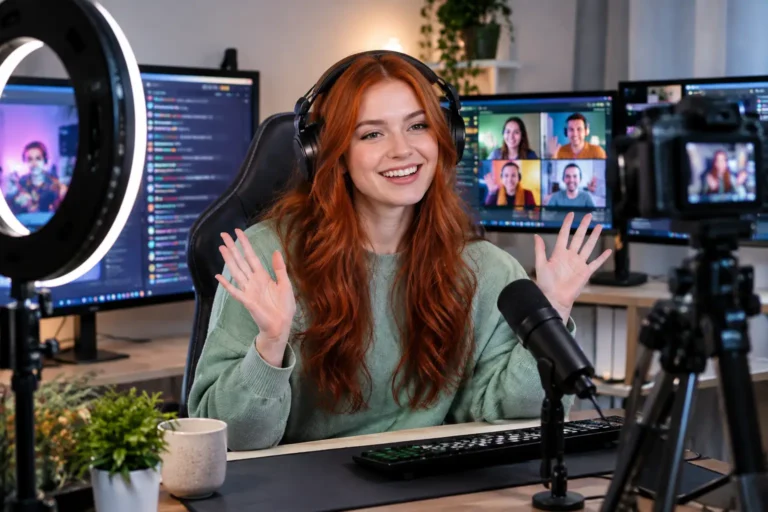
A second monitor can be especially useful when you want to keep your stream visible while reading chat, checking goals or managing platform tools. It is a convenience upgrade, not a beginner requirement. The same is true of advanced streaming software: useful for some models, unnecessary for others.
Avoid buying equipment because another creator says it is essential. Their room size, content style, budget and platform may be completely different from yours. Buy for the problem you actually have, then learn how to use each item well.
Test Before You Go Live
Run a private test before your first proper session and whenever you change your setup. Watch the recording with sound on. Look for glare on your face, clutter in the background, a camera angle that cuts off too much of the frame, or audio that sounds distant.
Try sitting, standing and moving naturally within your camera view. Check that your light still works when you shift position and that your internet remains stable for at least several minutes. Small adjustments now can make you feel far more prepared when it is time to perform.
Your equipment is not what makes you successful – it is the tool that lets your confidence come through clearly. Start with what is practical, protect your privacy, improve as you earn, and give yourself permission to begin before everything feels perfect. When you are ready to turn that setup into a flexible income opportunity, Strictly Models can help you take the next step with purpose.
About the Author

Become a Webcam Model
From Home
Flexible hours, regular payouts and support from an established UK webcam modelling agency.
18+ only · Valid ID required · No commitment to apply
Form not loading? Open secure application