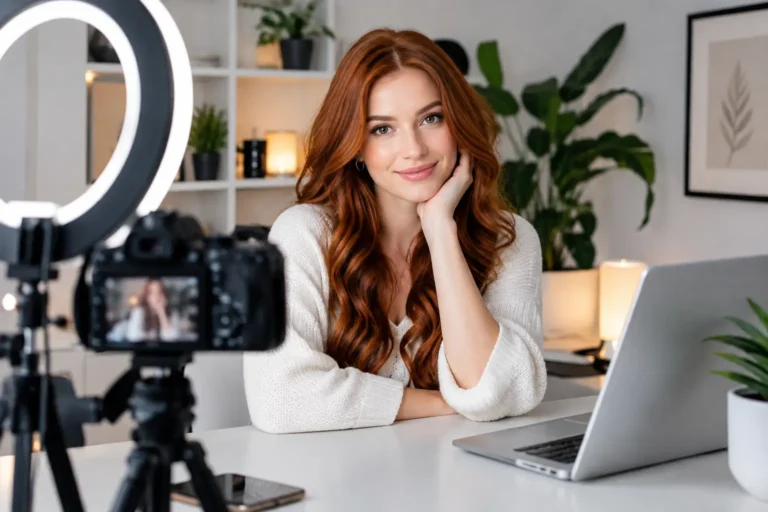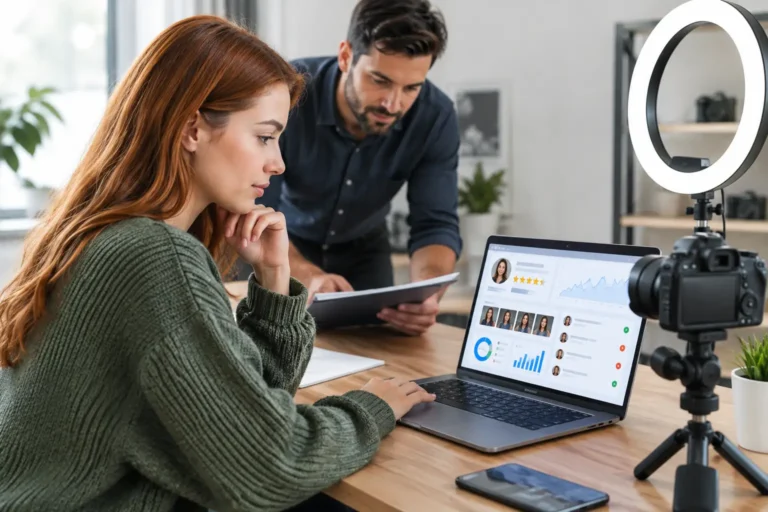
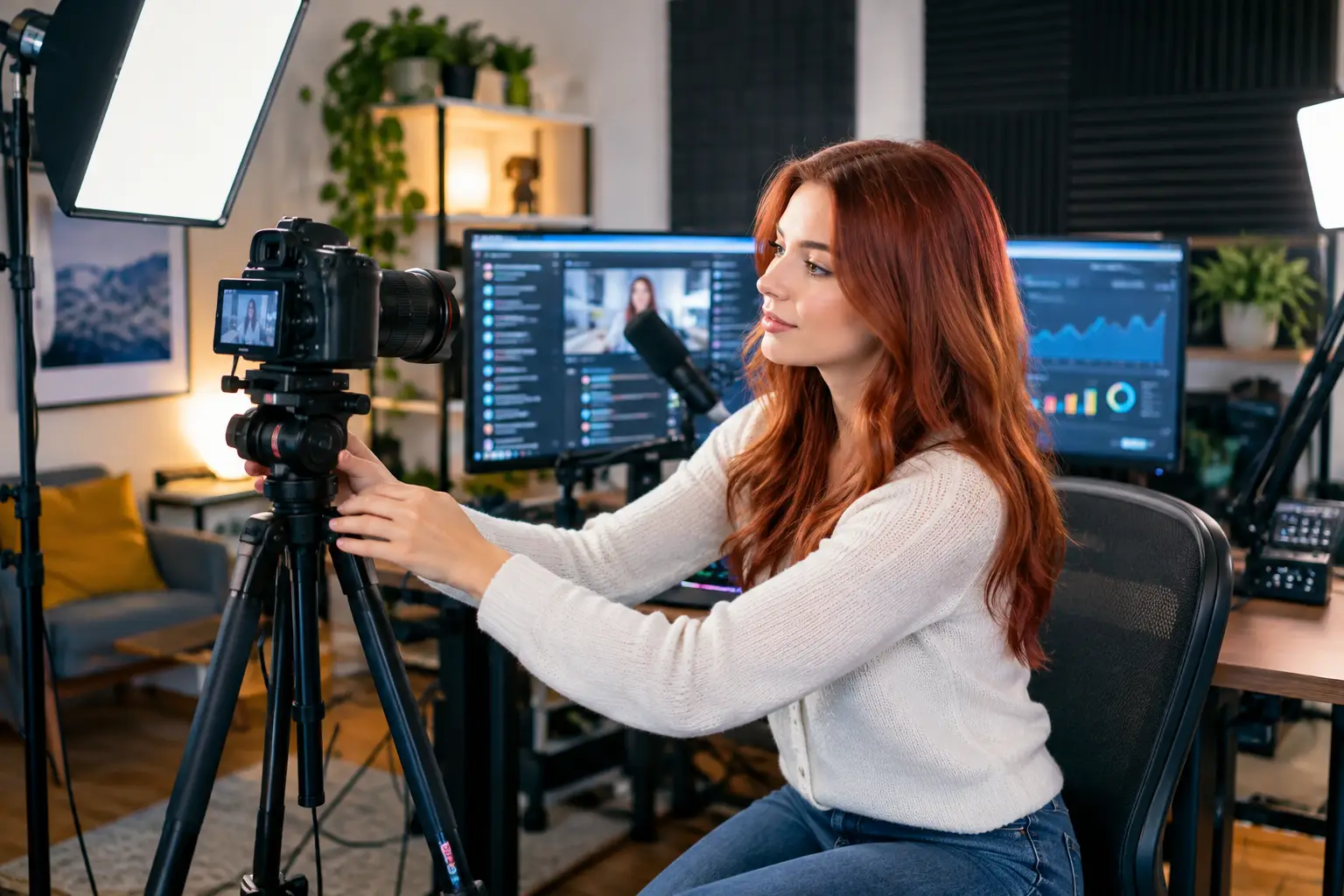
Your cam room is not just the corner of your bedroom that happens to have Wi-Fi. It is your set, your workplace and the first impression viewers get of your brand. If you are searching for how to build cam room ideas, start with this: you do not need a huge flat or expensive studio equipment. You need a space that looks intentional, protects your privacy and helps you feel confident every time you go live.
The right setup can make a modest room look polished, help your camera perform better and make it easier to show up consistently. That matters when you are building regular income on your own terms.
Choose a Space You Can Control
The best cam room is usually the one you can use without interruption. A spare bedroom is ideal, but a private corner of a bedroom, converted study or screened-off area can work well too. What matters is control: control over noise, lighting, who can enter and what appears in the background.
Avoid rooms facing busy roads, shared living areas or places where housemates may walk through unexpectedly. If you live with others, agree clear boundaries before you work. A locked door, a simple door sign and a set schedule can prevent awkward interruptions and let you focus on your show.
Think about what your camera can see. Remove paperwork, family photographs, post with your address, work uniforms and anything that reveals where you live. Webcam modelling gives you flexibility, but privacy needs to be part of the setup from day one.
How to Build a Cam Room Around Your On-Camera Style
Before buying décor, decide what feeling you want viewers to get when they enter your room. A clean, bright, feminine setting may suit one model. Another may prefer a cosy, darker look with coloured lighting. Neither is automatically more profitable. The strongest choice is the one you can maintain, enjoy and make feel believable.
Start with a simple colour palette. Soft neutrals, blush tones, white, black or jewel colours often look great on camera because they keep the scene tidy without making it feel empty. Choose colours that complement your skin tone, hair and favourite outfits rather than competing with them.
Your background should have depth. A plain wall can work, but it may look flat on camera. Add one or two deliberate details: a neatly made bed, a chair, a small rug, a mirror positioned out of camera view, faux plants, fairy lights or framed artwork that does not reveal personal information. Keep it organised. Too many objects can look cluttered, especially on a small webcam frame.
If your room has to serve as a bedroom as well as a workspace, create a camera-only zone. A folding screen, curtain rail or even a fabric backdrop can separate your personal life from your on-screen space. This is often a smart option for beginners who want to get started without redecorating an entire room.
Prioritise Lighting Before Fancy Equipment
Poor lighting can make a good camera look average. Great lighting can make a basic setup look far more professional. Put lighting near the top of your budget, ahead of decorative extras.
Natural daylight is flattering, but it changes quickly and may not suit the hours you want to work. For reliable shifts, use adjustable LED lights or a ring light as your main front light. Position it slightly above eye level and in front of you, not directly overhead. Ceiling lights create shadows under the eyes and can make the room feel harsh.
A second light placed to one side can soften shadows and add shape. You can also use a small lamp or coloured LED strip in the background to make the room feel warmer and more dimensional. Test every light through your webcam rather than trusting how it looks in person. Cameras can make a room appear cooler, darker or more yellow than expected.
Avoid placing a bright window or lamp directly behind you. Backlighting can turn you into a silhouette, even in a beautiful room. If a window is behind your usual position, close the blind or reposition your setup.
Get Your Camera Angle and Sound Right
You do not need to begin with the most expensive camera available. A reliable HD webcam can be enough when your lighting, framing and internet are solid. As your earnings grow, you can upgrade your camera, microphone and computer with a clearer understanding of what will improve your work.
Set your camera at eye level or just above it. A stack of books, a tripod or a monitor mount can make a major difference. Low angles are rarely flattering and can make your room look accidental rather than professional. Frame yourself with a little space above your head and keep your main background details visible without letting them take over the screen.
Sound matters more than many new models expect. Viewers can forgive a small room, but they will leave if they cannot hear you clearly over traffic, televisions or echo. Close windows during sessions, silence notifications and use headphones or a USB microphone if your built-in sound is weak.
Soft furnishings help absorb echo. Curtains, a rug, bedding and cushions are useful for more than appearance. If your space sounds hollow, these simple additions can make conversation clearer without turning your room into a recording studio.
Build for Comfort, Not Just the Camera
A cam room should work for long sessions, not only for a quick photo. Choose a supportive chair, keep water nearby and make sure the room temperature is comfortable under lights. Overheating, bad posture and constant adjustments will drain your energy fast.
Keep the essentials within reach: charging cables, wipes, a mirror, hairbrush, spare batteries, a notepad and any outfit changes you plan to use. A small storage box or drawer unit prevents clutter from creeping into the camera frame halfway through a shift.
It also helps to create a quick pre-show routine. Check your lighting, camera angle, internet connection, background and privacy settings before you log on. Five minutes of preparation can save you from technical stress once viewers arrive.
Protect Your Privacy and Your Income
A polished room should never come at the expense of your safety. Never show identifying documents, street views, house numbers, children’s belongings or other people without their clear permission. Be careful with mirrors and reflective surfaces too. They can reveal more of a room than you intend.
Use a separate work email, strong passwords and two-factor authentication where available. Keep your model name separate from personal social accounts unless you have deliberately decided to build a public creator brand. That choice depends on your goals, but privacy is much harder to regain than to protect.
Your internet connection deserves attention as well. Test your upload speed at the time you expect to work, not just in the middle of the day. If your connection drops regularly, move closer to the router, use an ethernet cable where possible or adjust your schedule around busy household internet use. Consistency helps you build returning viewers and protects your earning time.
Create a Room You Want to Return To
The most successful setup is not necessarily the one with the biggest budget. It is the one that helps you feel prepared, attractive, private and in control. Start with a tidy backdrop, good front lighting, clear sound and reliable boundaries. Then improve one thing at a time as you learn what your audience responds to.
You are building more than a pretty room. You are creating a work environment that supports confidence, consistency and flexible income. Make it feel like a space where you are in charge, because that is exactly the energy viewers notice first.
About the Author

Become a Webcam Model
From Home
Flexible hours, regular payouts and support from an established UK webcam modelling agency.
18+ only · Valid ID required · No commitment to apply
Form not loading? Open secure application