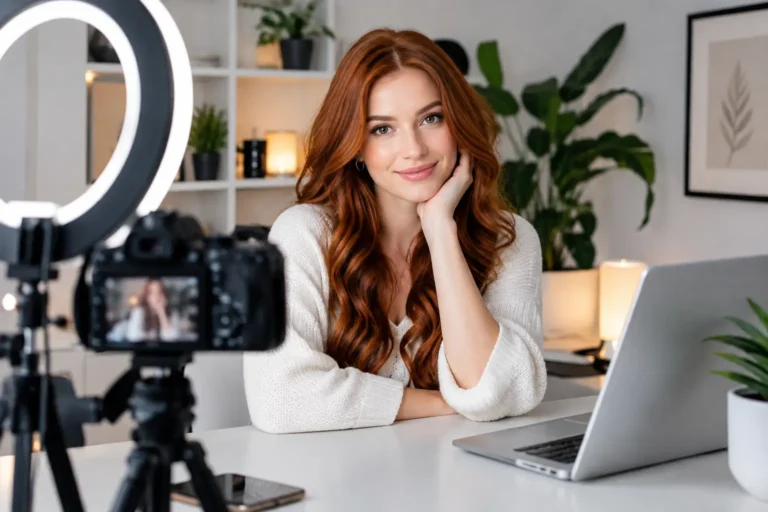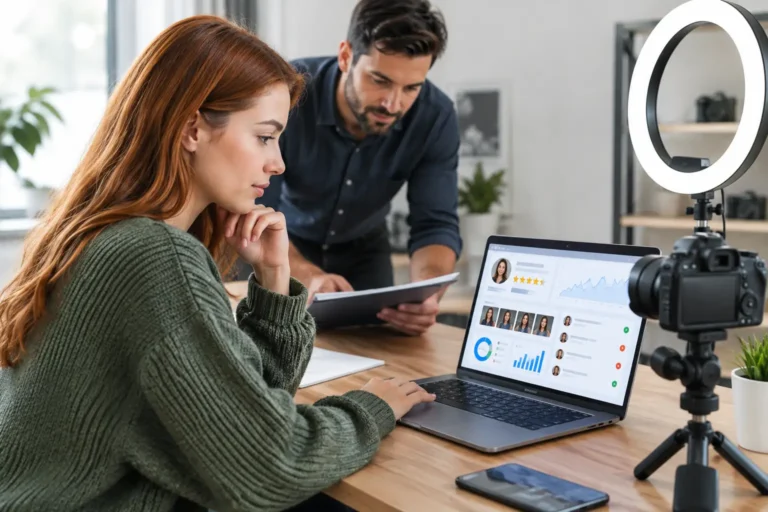

If your stream looks grainy, soft or badly lit, you are leaving money on the table. The best webcams for camming do not just make you look clearer – they help you look more professional, more confident and more worth tipping. That matters whether you are brand new, building a side income, or ready to treat camming like a serious business.
A good webcam will not do all the work for you. Lighting, internet speed, room setup and confidence still matter. But the right camera can make a noticeable difference fast, especially if you are using an old laptop cam that flattens skin tone, struggles in low light and makes everything look dull.
What actually makes a webcam good for camming?
For cam work, you are not just buying a camera. You are buying image quality, flexibility and a smoother earning experience. The sweet spot for most models is a webcam that gives sharp 1080p video, handles indoor lighting well and keeps autofocus steady when you move around.
Frame rate matters too. If you dance, tease, change poses often or use a bigger performance space, 60fps can look much smoother than 30fps. That said, higher specs are not always better if your internet cannot keep up or the site compresses your stream heavily. Many beginners do perfectly well with a strong 1080p camera and a flattering light.
Low-light performance is where cheaper webcams often fall apart. A camera might promise full HD, but if it turns your room into a blurry mess after sunset, it is not helping your income. Good webcams for camming should also let you adjust exposure, white balance and focus so you stay in control of how you appear on screen.
Best webcams for camming: the strongest picks
Logitech Brio 500
For most beginners, this is one of the safest buys. The Logitech Brio 500 gives crisp 1080p video, decent auto-exposure and a much cleaner look than basic built-in laptop cameras. It is easy to set up, reliable for regular streaming and usually priced in that realistic middle ground where you upgrade without overspending.
It is especially good if you want a camera that simply works. The image is flattering with the right ring light, and the software gives you enough control without becoming a technical headache. If you are just starting out and want a serious step up, this is a strong place to begin.
Logitech Brio 4K
If you want a premium webcam and have the budget, the Brio 4K is still one of the best-known options in the camming world. You may not stream in 4K on most platforms, but the sensor quality still helps at 1080p. The picture tends to look sharper, richer and more polished than cheaper models.
This one makes sense if you plan to cam consistently and want your setup to feel more high-end from day one. The trade-off is price. It can be more camera than a total beginner needs, especially if your lighting is poor. A great webcam in a dark room still gives mediocre results.
OBSBOT Tiny 2 Lite
This is a smart option if you like movement and want your camera to keep up. The OBSBOT range is known for AI tracking, and that can be genuinely useful for performers who shift around rather than staying fixed in one chair position.
The tracking is not essential for everyone, and some models prefer a locked-off frame they can control exactly. But if your shows are more energetic, this webcam can make your stream look more dynamic without needing a second person behind the camera. It is a more modern, creator-focused choice.
Razer Kiyo Pro
The Razer Kiyo Pro is a favourite for low-light performance, and that is a big deal for cam models who stream at night or prefer moodier room setups. It handles darker environments better than many standard webcams and usually produces a smoother, more flattering image with less noise.
It is not the cheapest option, but it earns its place if lighting is your weak spot. You should still use proper lighting where possible, yet this camera gives you more flexibility if you do not want a bright studio look all the time.
Logitech C922 Pro
This webcam has been around for years for a reason. It is affordable, widely available and still a solid budget-to-mid-range pick for camming. You get full HD and dependable performance without paying premium prices.
If your budget is tight and you need something proven, the C922 is still worth considering. It is not the most exciting choice, and newer cameras may give better colour or detail, but it remains one of the best value options for beginners who want to start earning without delay.
Elgato Facecam MK.2
The Elgato Facecam MK.2 is designed with creators in mind, and it shows. It offers strong image quality, clean detail and manual settings that let you dial in your look properly. If you care about fine-tuning your appearance on camera, this webcam gives you more control than many plug-and-play models.
The downside is that it expects a little more effort. If you want something ultra-simple, this may feel like overkill. But for models who understand that camming is a business and presentation affects income, extra control can be a real advantage.
Insta360 Link
This is one of the more premium, feature-heavy webcams on the market. It offers impressive image quality, gimbal-based movement and smart framing features. For camming, that can create a much sleeker, more professional look.
It is best for models who already know they want to invest in content quality, not just test the waters. If you are still figuring out whether camming suits you, it may be better to start lower and upgrade once the money starts coming in. Still, for serious earners, it is a strong contender.
Microsoft Modern Webcam
Not every model needs a fancy creator setup straight away. The Microsoft Modern Webcam is a basic but respectable option if you want to keep startup costs down. It is simple, clear enough for beginner use and usually easier on the budget than premium competitors.
You will not get standout low-light performance or top-tier detail, so think of this as an entry point rather than a long-term power move. It works best for models who want to start now, earn, and upgrade later.
NexiGo N960E
If budget is your main concern, NexiGo offers a decent low-cost route into camming. The N960E gives 1080p and workable quality for the price, which can be enough when paired with a good ring light and tidy room setup.
This is where realism matters. Cheap webcams can help you get started, but they rarely give the most polished finish. If you choose a budget model, make sure the rest of your setup does more of the heavy lifting.
Which webcam is best for beginners?
For most new models, the Logitech Brio 500 or Logitech C922 Pro makes the most sense. They are reliable, easy to use and good enough to create a clean, professional stream without making your startup costs ridiculous.
If money is tight, start with a budget webcam and invest in lighting first. If you have more room to spend, move up to something like the Brio 4K or Elgato Facecam MK.2. The goal is not to buy the most expensive kit. The goal is to look your best, feel confident and start earning with a setup that matches where you are right now.
A webcam alone will not fix a poor setup
This is where many beginners get it wrong. They spend heavily on a camera and then stream in a dim room with patchy Wi-Fi, clutter in the background and terrible angles. Even the best webcams for camming need support from the rest of your setup.
A soft ring light or LED panel will often improve your image more than jumping from one mid-range webcam to another. Clean framing matters. A stable mount matters. Strong upload speed matters. So does knowing your best angle and setting your camera at eye level or slightly above.
Sound is part of the experience too. If your audio is muffled or echoing, the stream feels lower quality straight away. You do not need a full studio, but you do need to think like someone building an income stream, not just switching on a camera at random.
How to choose the right webcam for your style
If you mostly chat, flirt and stay close to the camera, prioritise sharpness, colour and flattering exposure. If you move around, dance or use a wider frame, smoother motion and tracking matter more. If you stream in the evenings, low-light performance should move higher up your list.
There is also the question of speed. Some models want a simple plug-in-and-go setup. Others are happy tweaking software, experimenting with lighting and refining every detail. Be honest about your working style. The best webcam is the one you will actually use properly and consistently.
For many women starting cam work, the smartest move is not perfection. It is momentum. Choose a webcam that fits your budget, pair it with good lighting, get your room looking clean and start building. You can always upgrade once the earnings are there.
If you are serious about working online, treat your setup like part of your brand. A better image can mean better first impressions, longer viewer retention and more confidence every time you log on. Start with what you can afford, make it look good, and let your content do the rest.
About the Author

Become a Webcam Model
From Home
Flexible hours, regular payouts and support from an established UK webcam modelling agency.
18+ only · Valid ID required · No commitment to apply
Form not loading? Open secure application